Sticker guides
How to turn photos into stickers on your phone. Each guide starts with the way your phone already does it, then shows a faster way when you have lots of photos.
 Make stickers from photosTurn any photo into a digital sticker on iPhone or Android with tools already on your phone, or batch a whole camera roll into packs for your chats with PAPLO.Updated
 Make stickers on iPhoneTurn a photo into a sticker on iPhone with Live Stickers, use it in iMessage, then batch a whole camera roll with PAPLO. Steps, fixes and FAQ.Updated
 Photo to WhatsApp stickerMake a WhatsApp sticker from a photo of your cat, dog or friends. Use WhatsApp’s own creator, or PAPLO for packs of 3 to 30 stickers. Steps and FAQ.Updated
 Make stickers on AndroidMake stickers from your photos on Android with Google Photos or Samsung Gallery, then batch cut out lots of photos and send them to any chat with PAPLO.Updated
 Telegram sticker pack from photosMake Telegram stickers from photos with the built-in Sticker Editor or the @Stickers bot, or build a pack from many photos at once with PAPLO.Updated
 Sticker maker, no subscriptionA short checklist for choosing a free sticker maker with no watermark, no ads and no subscription, plus how PAPLO’s free core and one-time Plus work.Updated
 Cut out a photoCut a subject out of a photo on iPhone and Android with built-in tools, then use PAPLO to cut out many photos at once and fix edges by hand.Updated
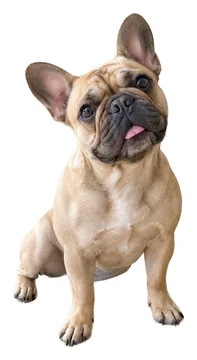 GIF stickers from photosTurn photos of your pet or friends into moving GIF stickers with PAPLO, or use Live Stickers on iPhone. Steps, settings, export options and FAQ.Updated
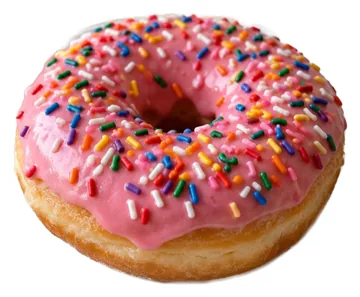 Sticker ideas for group chatsFun sticker ideas for your group chat, from pet reactions to inside jokes and food, with quick steps to make each one from your photos in PAPLO.Updated
- Make iMessage stickersMake iMessage stickers from your photos with Live Stickers on iPhone, send them in a chat, or build a whole pack for the Messages sticker drawer with PAPLO.Updated
Stuck on something else? Visit support.