Funny iMessage stickers that beat a dry tapback
PAPLO adds funny iMessage sticker packs to your Messages drawer, ready to drag onto a text bubble when a tapback is not enough. Preview packs here, then add them with the free PAPLO app on your iPhone.
One for every group chat moment
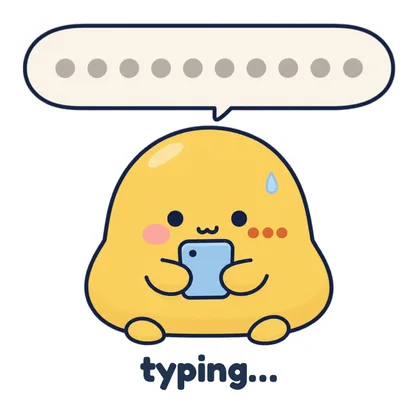 When someone types for ten minutes then stops.Ploo: Original · Free
 When the group chat turns into family drama.Chat, Is This Real? · With Plus
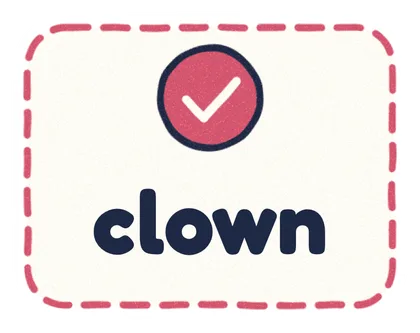 Dropped on their “we are back together” text.Group chat · Free
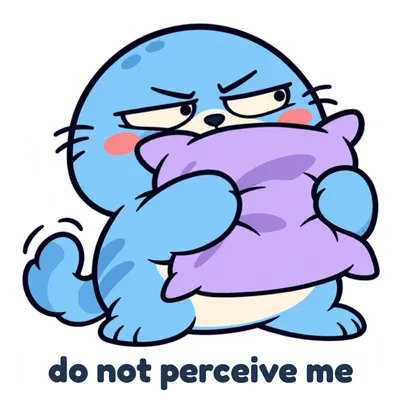 When the thread starts coordinating weekend plans.Barely Functioning · With Plus
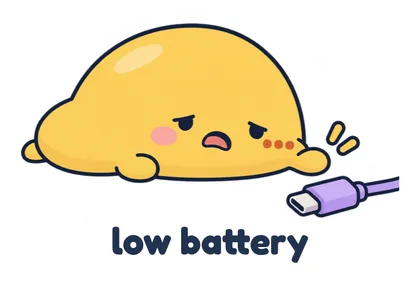 Dropping out of evening plans at 6 PM.Ploo: Daily Drama · Free
 Rereading the typo you sent your boss.Chat, Is This Real? · With Plus
 Muting the chat to eat dinner in peace.Kiro · Free
 Sent five seconds after someone drops “guess what”.Silly faces · With Plus
Get them on iMessage in 3 steps
- Get PAPLO. It is free for iPhone with iOS 15.5 or later, with no account.
- Add a pack. Open Explore and pick a pack. Free packs say Add to my packs. Plus packs say Add with Plus.
- Send it to Messages. In Packs, open the pack, tap Send to, then Messages. In a conversation, tap +, then PAPLO.
Funny sticker packs to start with
Packs marked Free cost nothing. Packs marked With Plus are part of PAPLO Plus, a one-time purchase. You add every pack inside the app.
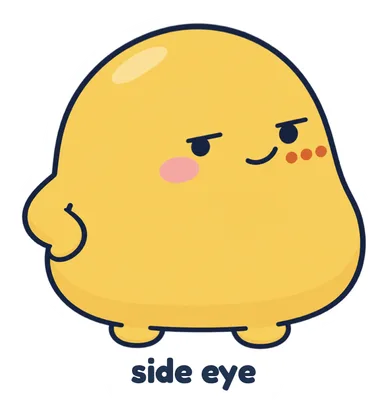 Ploo: Original
 Group chat
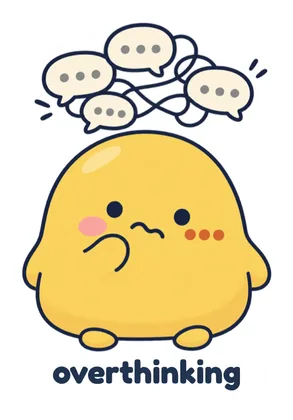 Ploo: Daily Drama
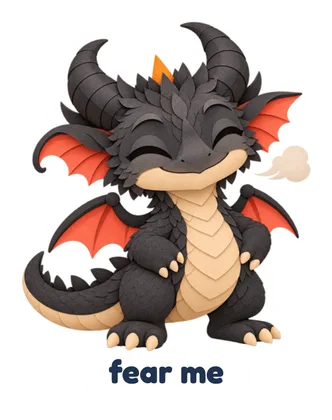 Kiro
 Chat, Is This Real?
 Barely Functioning
 Silly faces
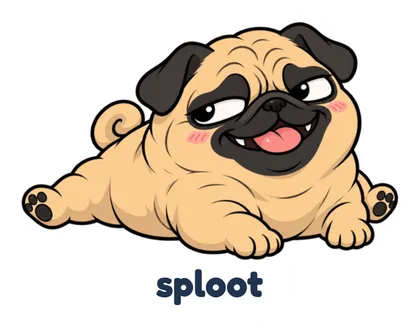 Drama pug
Which pack fits your group chat?
- Ploo: Original (Free): For side-eyes, LMAOs and people who type forever.
- Group chat (Free): For group chats running on delulu takes and three-day-late replies.
- Ploo: Daily Drama (Free): For chronic overthinkers surviving Monday on their very last braincell.
- Kiro (Free): For tiny hotheads who demand fear right before disappearing to eat.
- Chat, Is This Real? (With Plus): For silent lurkers who only show up for receipts and lore.
- Barely Functioning (With Plus): For friends at 1% social battery who refuse to be perceived.
- Silly faces (With Plus): For skeptics whose default reactions are really, sure, and screaming.
- Drama pug (With Plus): For dramatic friends who act deeply betrayed then ask for a treat.
The funniest ones are of your friends
PAPLO also turns your own photos into stickers, on your phone. Read how to make iMessage stickers from your photos, or steal from our sticker ideas for group chats.
Questions
Can I download these stickers directly from this website?
No. There is no web download. You preview packs on this site, then add them with the free PAPLO app on your iPhone.
How do I add PAPLO stickers to iMessage?
On an iPhone with iOS 15.5 or later, open Explore in PAPLO and pick a pack. In Packs, open the pack, tap Send to, then Messages. In any conversation, tap +, then PAPLO, to open the drawer.
Is PAPLO free?
PAPLO is free with no ads, no watermark, no subscription and no account. Free packs include Ploo: Original, Group chat, Ploo: Daily Drama and Kiro. Packs marked With Plus are part of PAPLO Plus, an optional one-time purchase.
Do my friends need PAPLO to see the stickers?
No. Once you send a sticker in Messages, it shows up in the conversation, and your friends do not need PAPLO to see it.
Do these stickers work in Messages on Android?
No. Sending a pack to the Messages sticker drawer is an iPhone feature. PAPLO also works on Android, where you can send stickers to WhatsApp, Telegram and other chat apps.
Can I turn my own photos into iMessage stickers?
Yes. PAPLO cuts out your photos on your phone, and you can send the pack to your Messages sticker drawer the same way.